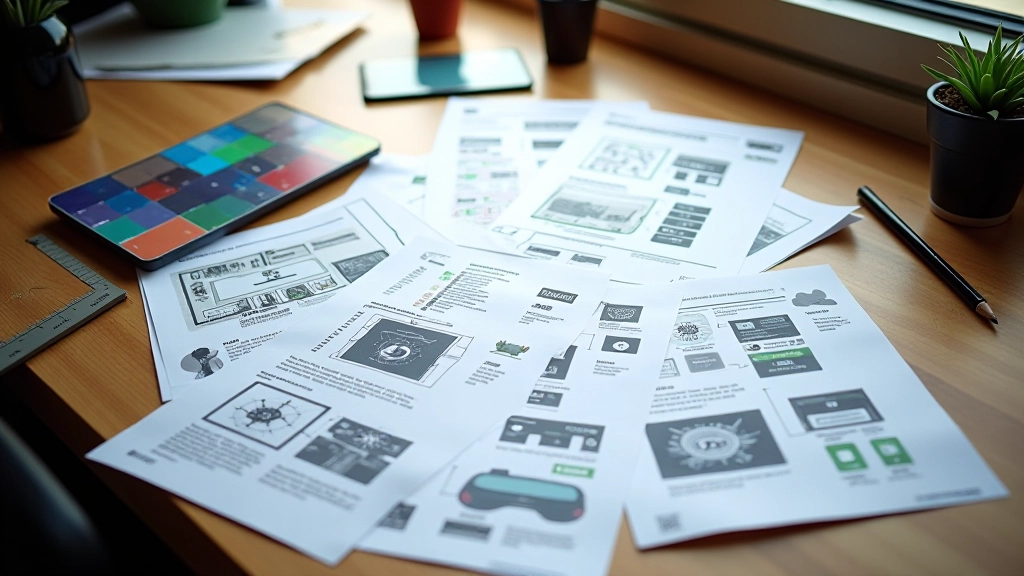

Understanding Player Mental Models in Game Design
How players expect interfaces to work based on their gaming experience. Covers common patterns, genre conventions, and building interfaces that feel intuitive from the first interaction.
Methods for gathering player feedback on interface design. Includes playtesting techniques, analyzing where players struggle, and prioritizing which changes actually improve the experience.

You can design the most beautiful menu in the world. But if players don’t understand how to navigate it, you’ve failed. That’s the gap between what we think works and what actually works. We’re going to close that gap.
The difference between an okay interface and a great one isn’t complexity or aesthetics. It’s feedback. Real players using your interface. Watching where they hesitate. Listening to what confuses them. Then fixing those exact problems. Rinse, repeat, improve.

There’s no magic formula here. Just structured observation. You need players. You need to watch them interact with your interface. You need to document what happens.
Moderated testing works best for interfaces. Sit with a player while they use your menu system. Ask them to think out loud. Don’t help them. Don’t explain things. Just watch them struggle or succeed. That struggle is your data.
You’ll need 5-8 players per testing round. Not hundreds. Not thousands. Small groups reveal patterns fast. Each session runs 20-30 minutes. Have them complete specific tasks: “Find the settings menu.” “Change the difficulty level.” “Go back to the main screen.” Simple stuff that should be obvious. If it isn’t, you’ve found a problem.
Record everything. Video, audio, notes. You’ll miss things in the moment. Later, when you’re analyzing, you’ll catch details you didn’t notice live.
After testing, you’ll have a pile of recordings and notes. Don’t ignore it. This is where most teams fail. They collect data and then… do nothing with it.
Watch your recordings. Look for patterns. If three different players all missed the same button, that’s not coincidence. That’s a design problem. If everyone paused at the same menu option, wondering what it does, you need better labeling.
Create a simple spreadsheet. One row per player. Columns for: task completed, time taken, confusion points, errors made, comments. You don’t need fancy analytics. This format shows you exactly where your interface is failing.
“The best interface is the one players don’t have to think about. But you’ll never know if yours is invisible until you watch someone use it for the first time.”
Testing once isn’t enough. You test, you learn, you change, you test again. Each round gets better. Each round removes more friction.
Here’s what the cycle looks like: Run tests with current interface. Analyze results. Pick the top 3 problems. Fix them. Test again with new players. See if those fixes actually worked. Keep what helped. Ditch what didn’t.
Most teams make changes and never validate them. They guess. You won’t guess. You’ll know because you’ll test.
Run 5-8 players through your interface
Find patterns in where players struggle
Create changes addressing top issues
Test again to confirm improvements


Different testing methods reveal different problems. You’ll want to use multiple approaches.
Moderated testing shows you exactly where players struggle. Remote unmoderated testing captures natural behavior without your presence changing how they interact. A/B testing lets you compare two interface versions directly. Heat mapping shows you where eyes go first.
Start with moderated testing. It’s the fastest way to spot major problems. Once you’ve fixed the obvious issues, use A/B testing to optimize specific elements. Remote testing captures edge cases you’d miss in a controlled environment.
Don’t overthink the method. Pick one. Run it. Get data. Act on it. That’s the entire system.
This article presents established playtesting methodologies and iteration frameworks used in game interface design. The techniques described are educational in nature and should be adapted to your specific project context, team size, and development stage. Results vary based on player demographics, interface complexity, and implementation approach. Always validate findings with your own testing before making major design decisions.
Testing isn’t optional. It’s not a nice-to-have. It’s the difference between an interface players love and one they tolerate. You’re making decisions that affect thousands of people. Make them based on data, not assumptions.
Start small. Test with 5 players. Watch them struggle. Fix the problems. Do it again. Every iteration makes your interface better. That’s not theory. That’s practice. That’s how great interfaces get built.
Your players are waiting. Go test something.