
HUD Design: Information Without Clutter
Techniques for displaying vital information on screen while keeping the view clean. Real examples from successful games and why certain layouts work better than others.
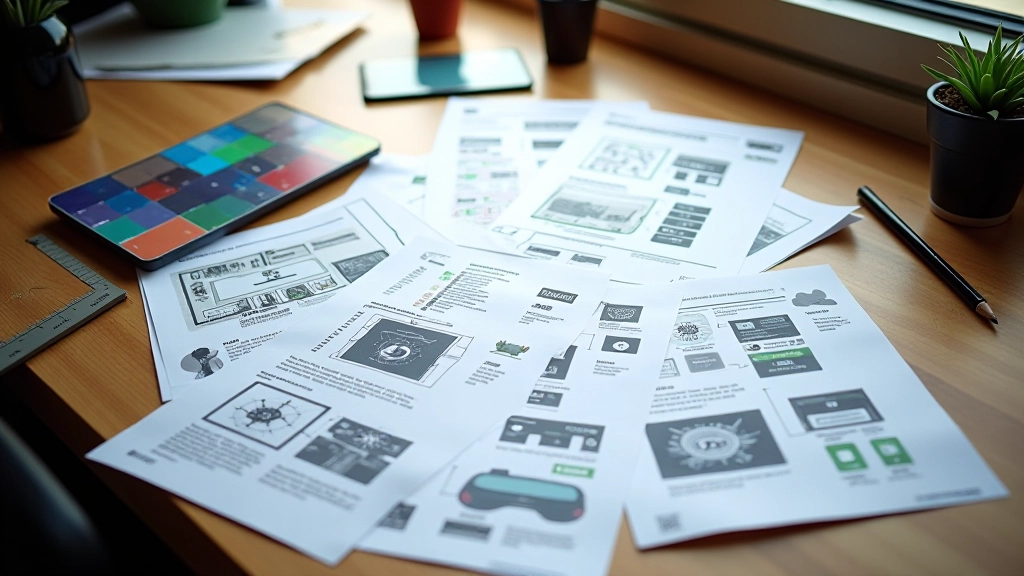
A good HUD isn’t invisible — it’s just smart. You’re playing your game, focused on what matters, and suddenly you need health info, ammo count, or a map update. A well-designed HUD gets you that information instantly without yanking you out of the experience. The best part? Most players won’t even notice it’s there. That’s the whole point.
The challenge isn’t showing information. It’s showing only what players need, exactly when they need it, in a way that feels natural. Get it right and the interface disappears. Get it wrong and you’re staring at a cluttered mess that blocks the action.
Core Principles That Actually Work
Information hierarchy is everything. Players need health visible at all times — that’s priority one. Secondary info like inventory or quest markers? Those can appear when needed. Tertiary stuff like achievement notifications? Those should fade in and out without demanding attention.
Think about it from the player’s perspective. You’re in the middle of a combat sequence. Your eyes are tracking enemy movements, timing your attacks, watching for openings. The last thing you want is to hunt for health information in a corner of the screen. It needs to be there, it needs to be obvious, and it needs to not interfere with what you’re actually doing.
Peripheral Vision Matters
Critical info lives in the corners or edges. Your brain processes these areas without moving your central focus. Health bars, ammo counters, mini-maps — they’re positioned where you’ll naturally glance without losing sight of the action.
Context Determines Position
A racing game puts speed and gear info at the bottom center. A shooter puts ammo top-right. A strategy game spreads resources across the edges. The layout matches what players need to track moment-to-moment.
Reduce When Possible
Can you remove it? Should you? Every element on screen is a decision. Some games toggle HUD visibility with a button press. Others gradually fade it away during cinematic moments. Fewer elements mean less distraction.

Real Examples: What Works
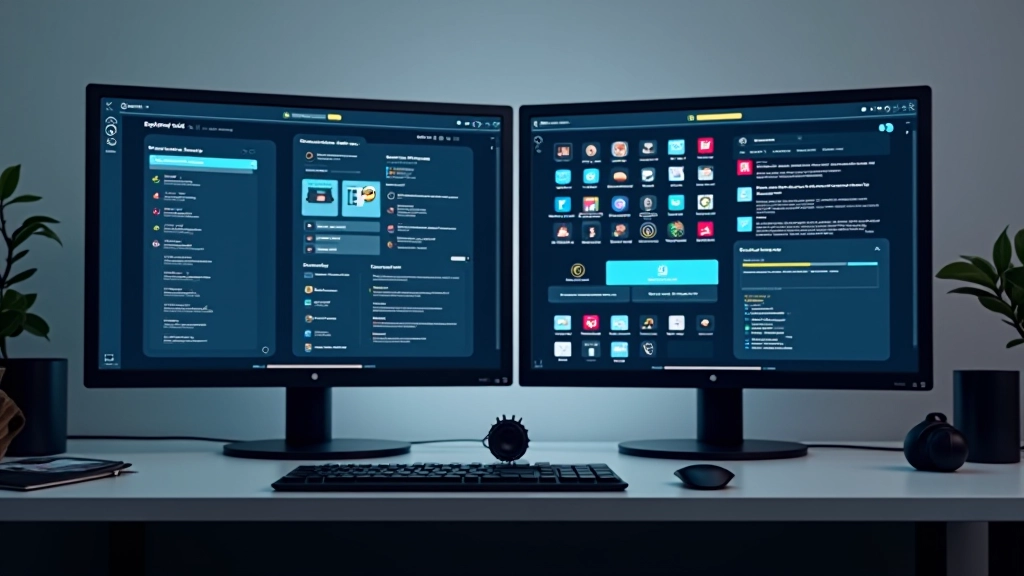
Look at Dark Souls. The health bar sits bottom-left. Stamina bar sits below it. That’s it for constant information. Your equipped items show on the right side. No quest log cluttering the screen, no minimap constantly demanding attention. When you need more info, you open a menu. The core action stays clean.
Compare that to a game that shows quest markers, objective text, ammo count, radar, health, armor rating, experience bars, and loot notifications all at once. Your eyes don’t know where to focus. You’re reading instead of playing. The information overload actually makes you worse at the game.
Breath of the Wild does something clever: most HUD elements fade away after a few seconds. Stamina wheel visible during climbing, then it disappears. Health visible during combat, then it fades. The game trusts you remember your own status without constant visual reminders. It’s liberating.
The difference between good and great HUD design often comes down to one question: does the player actually need to see this right now? If the answer’s no, it shouldn’t be there.
Design Decisions That Make the Difference
Color Coding
Red for damage, green for healing, blue for resources. Players learn these associations instantly. You don’t need to read text — you see the color and know what’s happening. It’s fast, intuitive, and works across language barriers.
Scale and Emphasis
Critical information is bigger. Secondary info is smaller. Your eyes naturally gravitate toward larger elements. A huge health bar demands attention. A tiny objective counter sits in the background. The visual hierarchy tells you what matters.
Animation and Feedback
Health bar flashing when you take damage gives immediate feedback. A subtle pulse on a low-ammo warning without being obnoxious. Animation draws attention without being distracting. It’s about the right amount at the right moment.
Transparency and Layering
Semi-transparent backgrounds let you see the game through UI elements. They’re there when you need them but don’t completely block your view. Strategic placement means important UI never overlaps the center action area.
Toggle Options
Not everyone plays the same way. Some players want minimal HUD. Others want all information visible. Offering HUD toggle settings respects different preferences without compromising the core design.
Readability Under Pressure
Text size matters. During intense moments, you’re not sitting down reading. Numbers need to be large enough to parse instantly. High contrast between text and background is non-negotiable. Readability is a feature, not an afterthought.

Important Note
This article presents educational information about HUD design principles and best practices observed in game development. The concepts and examples are for learning purposes. Individual game projects have unique requirements, player bases, and design constraints. Results from applying these principles will vary based on your specific game genre, platform, and target audience. Always test interface designs with actual players to validate assumptions.
The Goal: Invisible Design
Great HUD design gets out of the way. You’re playing the game, immersed in the experience, and you’re getting information when you need it without even thinking about it. That’s the achievement. That’s what separates a polished game from one that feels rough around the edges.
Start with the essentials. What does the player absolutely need to know to play well? Build from there. Test with people who aren’t familiar with your game. Watch where their eyes go. Watch what confuses them. Iterate based on what you learn. Remove elements that don’t earn their place on screen.
Every pixel matters. Every notification, every number, every icon — they all compete for attention. The best HUDs are the ones where every element serves a clear purpose and nothing feels superfluous. That’s the craft. That’s what makes a player experience feel right.