
Why Menus Matter More Than You Think
Players spend significant time in menus. Between matches, loading screens, and setting adjustments, it’s not uncommon for someone to spend 20-30% of their session navigating menus rather than actively playing. That’s substantial time, and it shapes how people feel about your game overall.
A responsive menu doesn’t just look good — it changes the entire emotional arc of the gaming experience. When buttons feel instant, when transitions are smooth, when navigation makes intuitive sense, players feel in control. They’re not frustrated by lag or confusion. They’re engaged.
The Core Principle: Every menu interaction should feel like a conversation between player and game. Quick. Clear. Satisfying.
Button Feedback: The Invisible Workhorse
Players don’t consciously think about button feedback, but they absolutely notice when it’s missing. A button needs to respond in three ways: visually, audibly, and haptically if possible.
Visual feedback should happen instantly — within 50 milliseconds ideally. A color shift, a slight scale increase, or a subtle glow. Anything that says “I saw that press.” Audio feedback reinforces the action. A soft click or chime. Nothing jarring, but something present.
On console, haptic feedback through controller vibration completes the loop. Players feel their input mattered. Three sensory channels confirming the same action creates a satisfying sense of responsiveness that’s hard to quantify but immediately noticeable when it’s absent.

Navigation Flow: The Path of Least Resistance

Good menu navigation follows mental models that players already have. Most gamers expect to find settings in a consistent location. They anticipate that pressing the back button exits to the previous menu. These aren’t revolutionary ideas — they’re just patterns that work.
The best navigation feels invisible because players don’t need to think about it. They can navigate with muscle memory. Up, down, left, right movements feel natural. The deepest submenu is never more than 3-4 levels deep. If someone’s scrolling through 10 items looking for “graphics settings,” you’ve lost them.
Test with actual players. Watch where they hesitate. Those hesitation points are design failures waiting to be fixed.
Visual Hierarchy: Guiding Without Shouting
Size, color, and positioning tell players what matters. The primary action — the button they should press next — should be visually dominant without being aggressive. Use contrast strategically. A bright accent color on a dark background naturally draws the eye.
Disabled options should look disabled. Grayed out text with reduced opacity signals “this isn’t available right now.” Don’t hide the option entirely unless you’re certain the player won’t wonder why it’s gone.
Font weight matters too. Bold text for primary options. Regular weight for secondary information. This creates a scanning pattern that helps players skim menus quickly. Nobody reads every word — they scan for what they need.
Animation: Polish Without Distraction
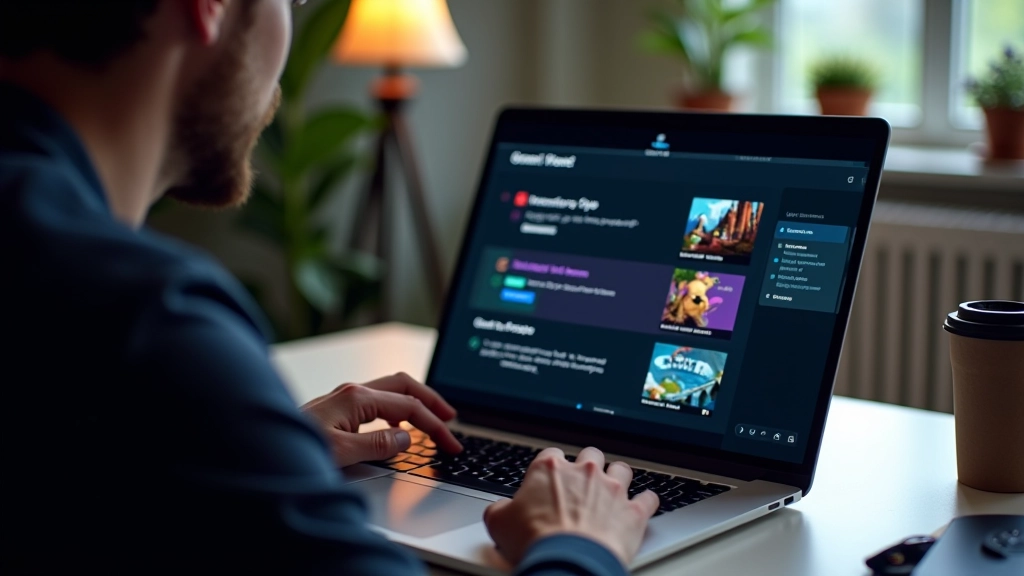
Animations make menus feel alive. A 200-300 millisecond slide-in transition when opening a submenu, or a fade when switching tabs — these micro-interactions add personality. They’re not essential, but they’re the difference between a functional menu and a delightful one.
The key word is restraint. Every animation should serve a purpose. Easing functions matter. Linear motion feels robotic. Ease-out (slowing at the end) feels natural and responsive. Don’t use easing that’s so exaggerated it becomes annoying on the hundredth menu visit.
Animation Rule of Thumb: If you’d skip it on the 50th time you see it, it’s too long or too flashy. Keep transitions snappy — 150-400ms is usually the sweet spot.
Accessibility in Menus
Not everyone has perfect vision or steady hands. Menu text should be large enough to read from a distance — minimum 16px for body text on a standard 1080p display. Color contrast matters. Light text on dark backgrounds or dark text on light backgrounds. Avoid red-green color combinations since colorblind players won’t distinguish them.
Keyboard and controller navigation should work identically. If someone’s using accessibility features like head tracking or eye control, your menu structure needs to be navigable through those inputs. Test with players who have different needs. You’ll discover problems you never anticipated.
Real Impact: The Satisfaction Factor
Here’s what most designers underestimate: menu quality directly impacts player retention. When menus feel sluggish or confusing, players blame the whole game, not just the UI. They don’t think “the menu is slow” — they think “this game feels cheap.”
Conversely, when menus feel responsive and intuitive, players feel respected. They’re not fighting the interface. They’re collaborating with it. That’s the experience you’re building toward. Every button press, every transition, every visual choice is part of that conversation.
Test your menus obsessively. Watch players navigate without guidance. Notice where they struggle, where they hesitate, where they’re delighted. Those moments of delight are worth chasing. They’re what separates games people tolerate from games people genuinely enjoy.